
Everything you trade,
on cTrader.
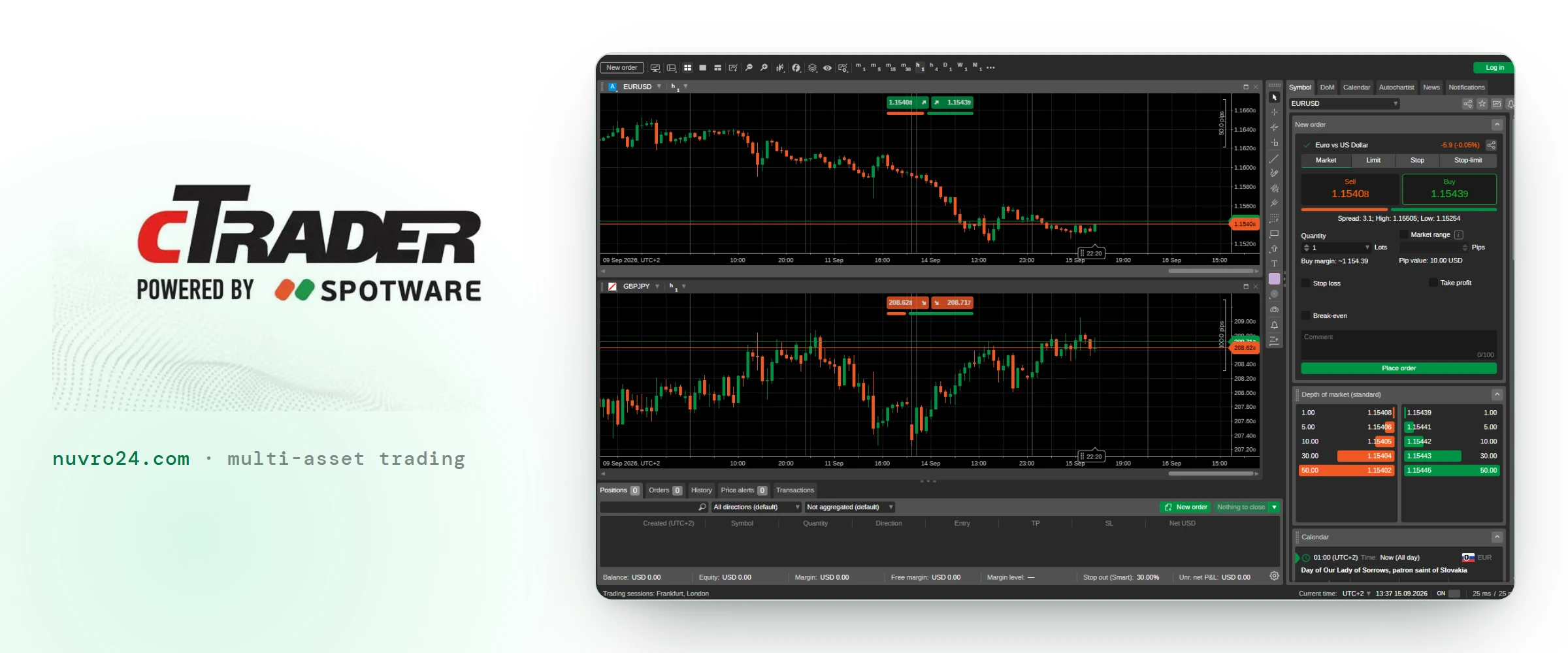
One platform for all four markets, on every device you use. Charting, the order ticket and your open risk in a single window — and a store full of strategies and indicators when you want more than the defaults.

Indicative prices from a third-party feed, delayed. They are not Nuvro24 execution prices and will differ from them. For trading, use the platform.
Built for people who trade, not for a demo
cTrader is made by Spotware and used by brokers across the industry. Nuvro24 runs on it because it does the job without asking you to work around it.
An interface that gets out of the way
The layout is yours to arrange and it stays arranged. New traders find the order ticket in a minute; people who have traded for years stop noticing the software.
Algorithmic trading, built in
Write a strategy in C#, test it against historical data, then let it run. cBots and custom indicators are part of the platform rather than a bolt-on.
Charting deep enough to work from
Timeframes, chart types, drawing tools and a large library of indicators — with the analysis you set up still on the chart when you come back to it.
The market, as it moves
Live prices, depth of market and the economic calendar in the same window as your positions, so you are not reading the news in one tab and trading in another.
Desktop, browser, phone — one account
Open a position on the desktop app and it is there on your phone before you have put the laptop down.
These open the cTrader download page while the Nuvro24 build is being issued. Once it is, the buttons point straight at it.
Also on mobile
Get the cTrader app and connect it to your Nuvro24 account.
Strategies, indicators and tools, from the people who build them
The Store is open to every cTrader account. Some of it is free, some of it is paid, and all of it installs into the same platform you already have.
Automated strategies
A cBot runs your rules for you — entries, exits and position sizing — on the platform rather than in your head. Written in C#, backtested against historical data before a single order goes live.
 cBotsBEST PRO XAUUSD LIVEby taniKmaster19705.0(1 review)$399$550
 cBotsPropFirm Forex Sniperby cryptowhale1$39$65
 cBotsSmartBot — Advanced RSIby nvcong894.0(2 reviews)$100$200
 cBotsAI Candle Shock Guardian Proby Labot3.5(2 reviews)$79$149
 cBotsMidasby EvolutionTrading5.0(3 reviews)$195$295
Read the chart differently
Indicators draw on the chart instead of trading it. Structure, levels, momentum — whatever your method needs in front of you before you size a position.
 IndicatorsSmart Money Concepts (SMC)by PrimeQuant5.0(4 reviews)Free
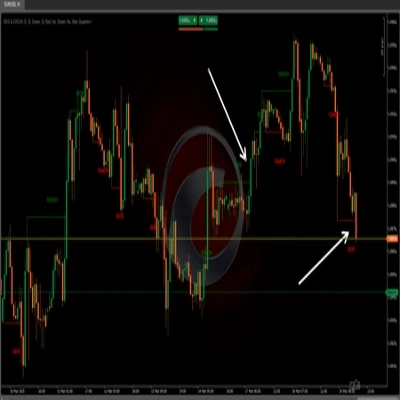 IndicatorsBOS & CHOCHby pinescriptlabs5.0(2 reviews)$19$25
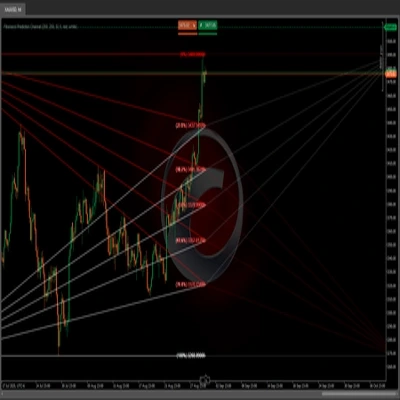 IndicatorsFibonacci Prediction Channelby pinescriptlabsFree
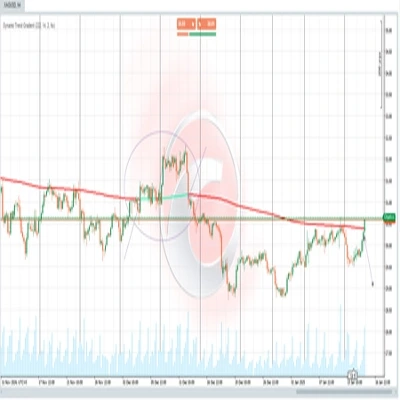 IndicatorsDynamic Trend Gradientby pinescriptlabs$19$22
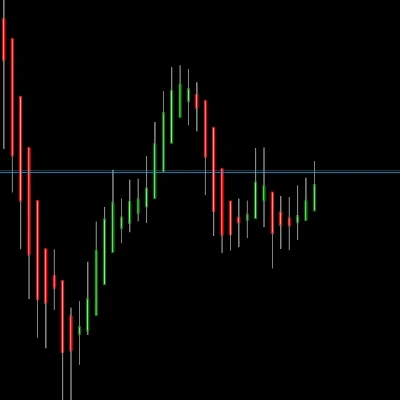 Indicators3D HeikenAshiby MohammadKHR$25$50
Extra panels in the workspace
Plugins add whole tools to the platform rather than lines to a chart — market overviews, pattern drills, assistants — docked alongside your charts.
 PluginsMarket Trendsby Trading4Pro5.0(6 reviews)Free
 PluginsAI Chatby trading_software5.0(1 review)Free
 PluginsGuess the Direction!by algo.systems5.0(2 reviews)Free
 PluginsChart Pattern Trainerby Gold-algos5.0(2 reviews)Free
 PluginsCandlestick Patternsby algo.systems5.0(1 review)Free
Add-ons are published on the cTrader Store by independent developers. Prices, ratings and availability are set by them and shown here as they appeared when this page was last checked. Nuvro24 does not build, sell or endorse them, and a strategy performing well in a backtest is not a forecast of what it will do with your money.
cTrader is built by Spotware. Nuvro24 is presented as a cTrader partner.